

You’re deep in a component, the kind with rows of utility classes stacked so tight your eyes start sliding off them. You add a .map() to render a list of products. You save. The whole app falls over. And the error the compiler throws you points at a line that, as far as you can tell, looks completely fine.
This one trips up almost everyone learning React JS, and the reason it’s so confusing is that the actual mistake and the thing the compiler complains about are two different spots in the file. Here’s what’s really going on.
The Line That Looks Fine But Isn’t
Say you’ve got a horizontal row of product cards, and somewhere around line 135 you’ve written this inside the parent div:
.productsAccra.map((product) => (
  <section className="w-[16%] h-[100%] bg-white flex flex-col">
     {/* card layout */}
  </section>
))
There are two problems stacked on top of each other here, and that’s what makes it hard to debug. The first is small and obvious once you see it. The second is the one that actually breaks your brain.
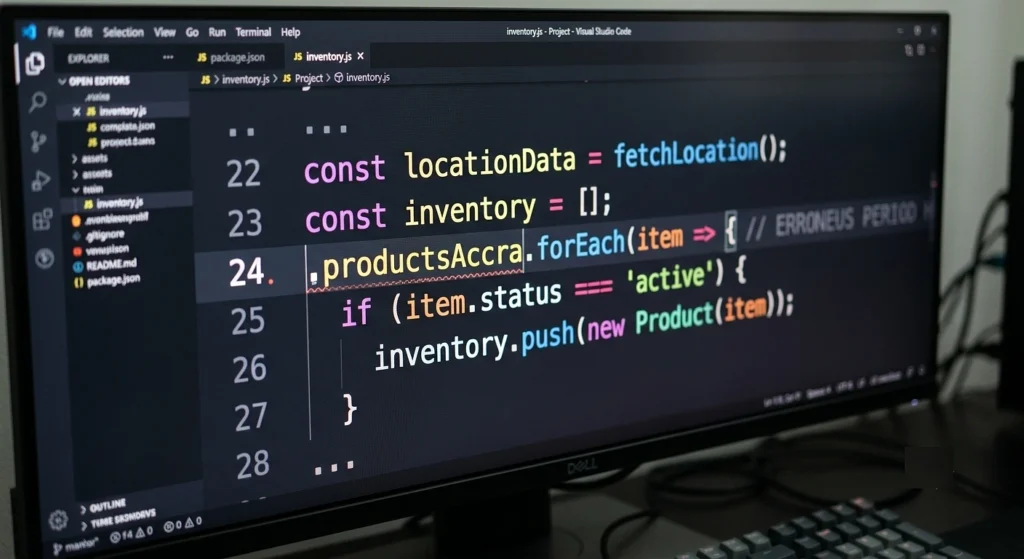
The small one: there’s a stray period sitting right in front of productsAccra. Just .productsAccra, hanging there with nothing before it. Maybe you deleted a variable name and left the dot. Maybe autocomplete fired weird. However it got there, JavaScript can’t make sense of a name that starts with a dot, so it’s invalid on its own.
But that typo isn’t even why the error looks so strange. The deeper issue is that React has no idea you wanted that line to be code at all.
Why The Compiler Thinks Your Code Is Text
This is the part worth slowing down on, because once it clicks, a whole category of JSX errors stops being mysterious.
Inside a component’s return, you’re writing JSX, which is this hybrid where HTML-looking markup and real JavaScript live in the same space. The official React docs describe this directly in their guide on rendering lists with .map(), and it’s worth reading once properly. The catch is that JSX defaults to treating whatever you type as literal markup. So when the parser walks into your parent div and sees .productsAccra.map(...) written directly in the layout, it doesn’t think “ah, a function call.” It thinks you want the literal text .productsAccra.map((product) => printed onto the screen, like it’s a caption.
It chugs along reading that as a plain string, until it suddenly hits the opening <section> tag sitting in the middle of what it believed was text. That’s where it panics. A tag where it expected more text makes no grammatical sense to the parser, so it throws an error pointing at roughly that spot. Which is why the error feels like it’s about the section, or the brackets, or anything except the real culprit. The compiler isn’t lying on purpose, it just choked several characters downstream from where you actually went wrong.
So you’ve got a bad variable reference and a parser that was never told to read any of it as JavaScript in the first place.
The Escape Hatch
React gives you exactly one signal for “stop reading this as markup, this part is live code,” and it’s the curly brace. The moment the parser sees an opening { inside JSX, it switches modes, everything until the matching } gets run as actual JavaScript, then it flips back to reading markup. React’s docs cover this under JavaScript in JSX with curly braces if you want the formal version. That’s the whole mechanism. Curly braces are the door between the two worlds.
Your .map() call needs to live behind that door. Drop the stray period, wrap the expression in braces, and the parser finally understands it’s looking at a loop that returns elements, not a sentence you wanted printed.
<div className="w-[100%] h-[55%] flex gap-5 overflow-x-auto hide-scrollbar">
  {productsAccra.map((product) => (
    <section key={product.name} className="w-[16%] h-[100%] bg-white flex flex-col">
      <div className="flex items-center">
        <p>{product.name}</p>
      </div>
    </section>
  ))}
</div>
Two things changed and both matter:
- The period in front of
productsAccrais gone, so the variable name is valid again. - The entire map expression now sits inside
{ }, so React reads it as the code it always was.
The One Extra Thing React Asks For
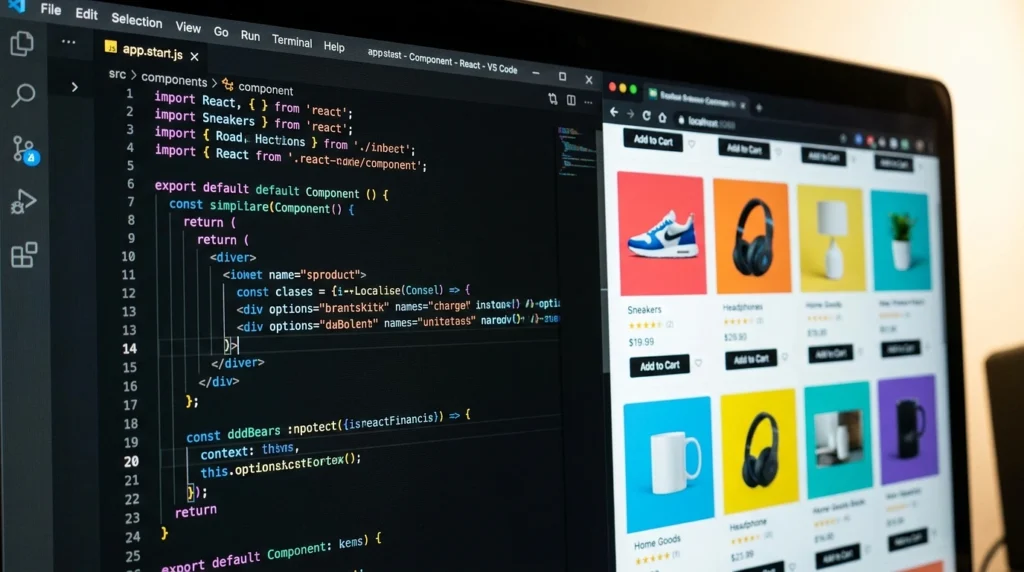
You’ll notice key={product.name} snuck onto the section tag in that fixed version, and it’s not optional. Any time you build a list of elements with .map(), React wants each item tagged with a unique key.
The reason is about how React updates the screen. When your list changes, an item gets added, removed, reordered, React uses those keys to figure out what actually moved instead of tearing down the whole list and rebuilding it from scratch. Without keys it can still work, but it gets slower and occasionally buggy in ways that are miserable to track down later.
Index Vs. A Real ID
A quick warning, since this catches people right after they learn about keys. Reaching for the array index as your key works until your list can reorder, and then it quietly causes bugs, because the index stays the same while the item underneath it changes. The React team explains why index keys are risky in the same lists guide. If each item has something genuinely unique, like a database ID, use that instead. Save the index for lists that never change order.
What To Actually Check When This Happens To You
When a .map() blows up in JSX and the error points somewhere that looks innocent, the fix is almost always one of three things, and it’s worth checking them in this order. Look first at whether the map is wrapped in curly braces at all, because that’s the mode-switch the parser needs and its absence produces exactly these misleading errors. Then scan the few characters right in front of your array name for a stray dot or comma that slipped in, the kind of thing your eye glides past after an hour of staring. Last, confirm the repeating element has a key, which won’t crash the build but will throw a warning you don’t want to ignore.
The broader lesson, and the thing that saves you the next ten times, is that JSX errors love to point downstream from the real mistake. When the compiler complains about a tag that looks perfectly correct, the actual problem usually lives a line or two up, in whatever you forgot to wrap in braces.