

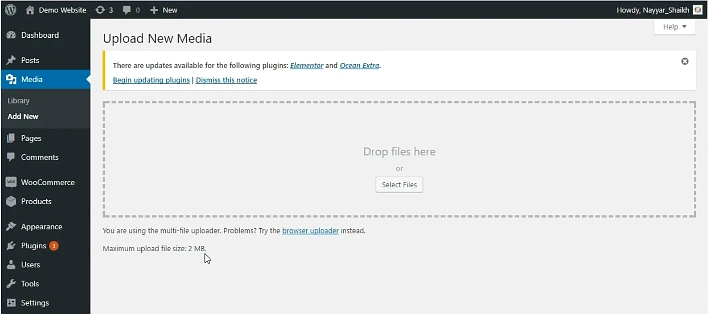
This error occurs because the file you are trying to upload is larger than the limit set in your server PHP configuration. By default, many servers limit uploads to 2MB, which is easily exceeded by modern images or plugins.
The Fix in 4 Steps
- Locate your
php.inifile: This is usually in your server’s root directory or accessible via your hosting control panel (cPanel/Plesk). - Find the directives: Look for
upload_max_filesizeandpost_max_size. - Increase the values: Change them to a size that fits your needs (e.g., 64M).
- Restart your server: For the changes to take effect, restart Apache or Nginx.
How to Fix
Depending on your hosting environment, one of these three methods will resolve the issue.
Method 1: Editing php.ini (Recommended)
If you have access to your server files, find your php.ini file and update these lines:
Ini, TOML
; Increase maximum allowed size for uploaded files
upload_max_filesize = 64M

; Must be equal to or larger than upload_max_filesize
post_max_size = 64M

; Optional: Increase memory limit and execution time for large files
memory_limit = 128M
max_execution_time = 300
Method 2: Using .htaccess (For Apache Servers)
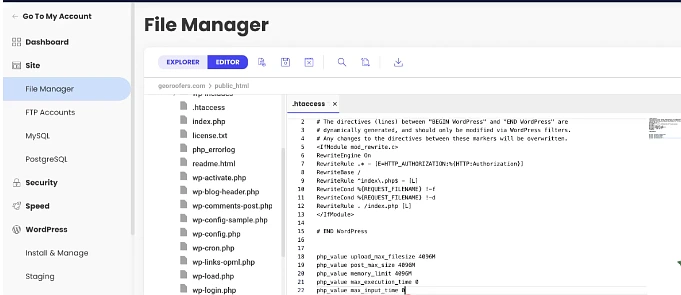
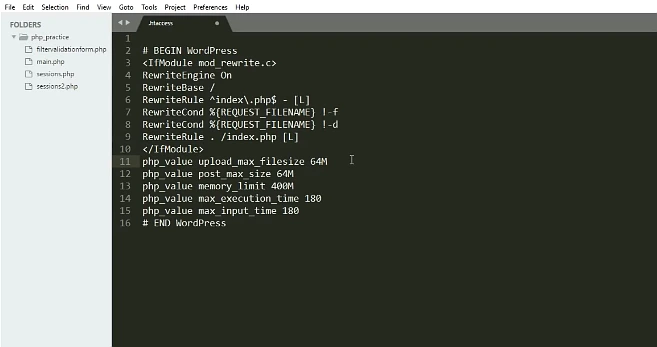
If you cannot find php.ini, you can often override the settings by adding this code to the bottom of your .htaccess file:
Apache
php_value upload_max_filesize 64M
php_value post_max_size 64M
php_value memory_limit 128M
php_value max_execution_time 300
Method 3: WordPress functions.php
If you are using WordPress and can’t access server files, add this to your theme’s functions.php file:
PHP
@ini_set( 'upload_max_size' , '64M' );
@ini_set( 'post_max_size', '64M' );
@ini_set( 'max_execution_time', '300' );
Note: Always ensure that post_max_size is greater than or equal to upload_max_filesize. If you set the upload limit to 64M but the post limit to 8M, the upload will still fail for large files.