


When working with JavaScript, setTimeout() is one of the most commonly used functions for delaying code execution. However, many developers especially beginners run into a frustrating problem, how do you pass parameters to the callback function? If you try the obvious approach, things go wrong in unexpected ways.
What is setTimeout()
setTimeout() is a built-in JavaScript function that executes a piece of code after a specified delay (in milliseconds).

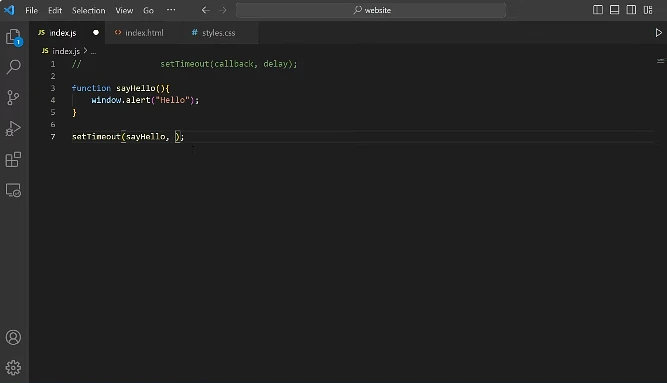
The basic syntax is:
javascript
setTimeout(callbackFunction, delayInMilliseconds);For example:
javascript
setTimeout(() => {
  console.log("This runs after 2 seconds");
}, 2000);
This works perfectly fine. The problem begins when you need to pass a parameter to the callback.
The Problem Call the Function Directly
The most common mistake beginners make is calling the function directly instead of passing it as a reference.
Broken Code:
javascript
function greet(name) {
  console.log("Hello, " + name);
}

setTimeout(greet("Alice"), 2000); // WRONG
The Error:
undefined is not a functionor the function simply runs immediately without any delay.
Why This Happens:
When you write greet("Alice"), JavaScript executes the function right away and passes its return value (which is undefined in this case) to setTimeout(). Since undefined is not a function, the timer has nothing to execute after the delay. The function runs immediately and the delay is completely ignored.
The Problem Using a String as a Callback
Another common mistake is passing the function call as a string.
Broken Code:

javascript
function greet(name) {
  console.log("Hello, " + name);
}

setTimeout("greet('Alice')", 2000); // WRONG
The Error:
This may appear to work in some older browsers, but it is considered extremely bad practice and will often throw:
ReferenceError: greet is not definedWhy This Happens:
Passing a string to setTimeout() causes JavaScript to use eval() internally to execute the string as code. The eval() function runs in a different scope, so it may not have access to your function. This approach is insecure, slow, and unreliable. Never use it.
Wrap the Call in an Arrow Function
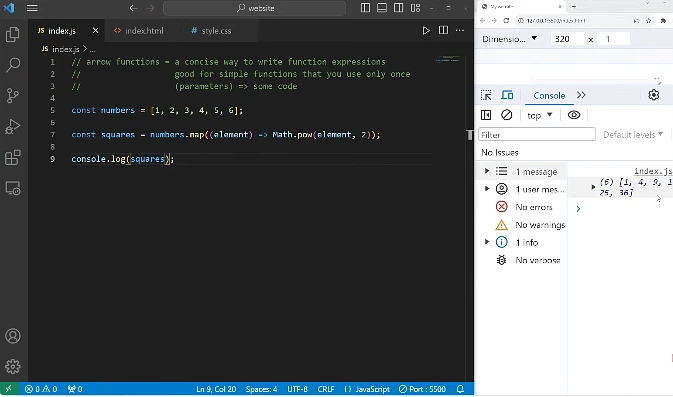
The cleanest and most modern fix is to wrap your function call inside an arrow function. The arrow function itself is the callback and when it runs after the delay, it calls your function with the parameters.
Fixed Code:

javascript
function greet(name) {
  console.log("Hello, " + name);
}

setTimeout(() => greet("Alice"), 2000); // CORRECT
Output after 2 seconds:
Hello, AliceWhy This Works:
The arrow function () => greet("Alice") is passed as a reference, not executed immediately. After 2000 milliseconds, setTimeout() calls the arrow function, which then calls greet("Alice") with the parameter intact.
You can also pass multiple parameters this way:
javascript
function greet(firstName, lastName) {
  console.log("Hello, " + firstName + " " + lastName);
}

setTimeout(() => greet("Alice", "Smith"), 2000); // CORRECT
Pass Extra Arguments to setTimeout()
Many developers do not know that setTimeout() actually supports extra arguments natively. Any arguments you pass after the delay value are automatically forwarded to the callback function.
Fixed Code:
javascript
function greet(name) {
  console.log("Hello, " + name);
}

setTimeout(greet, 2000, "Alice"); // CORRECT
Output after 2 seconds:
Hello, AliceWhy This Works:
The syntax here is setTimeout(callback, delay, param1, param2, ...). JavaScript passes "Alice" directly to greet as its first argument when the timer fires. No wrapper function is needed.
With multiple parameters:
javascript
function greet(firstName, lastName) {
  console.log("Hello, " + firstName + " " + lastName);
}

setTimeout(greet, 2000, "Alice", "Smith"); // CORRECT
Use bind() to Pre-fill Parameters
The bind() method creates a new function with certain arguments pre-filled. You can use this to pass parameters without creating a wrapper function.
Fixed Code:
javascript
function greet(name) {
  console.log("Hello, " + name);
}

setTimeout(greet.bind(null, "Alice"), 2000); // CORRECT
Output after 2 seconds:
Hello, AliceWhy This Works:
greet.bind(null, "Alice") creates a brand new function where the first argument is permanently set to "Alice". The null is passed as the value of this since we do not need a specific this context here. This new bound function is what gets passed to setTimeout().
This approach is especially useful when you need to control the this context inside the callback:
javascript
const user = {
  name: "Alice",
  greet() {
    console.log("Hello, " + this.name);
  }
};

setTimeout(user.greet.bind(user), 2000); // CORRECT `this` is preserved
Quick Comparison of All Three Fix
javascript
function greet(name) {
  console.log("Hello, " + name);
}

// Fix 1 — Arrow function wrapper
setTimeout(() => greet("Alice"), 2000);

// Fix 2 — Extra arguments
setTimeout(greet, 2000, "Alice");

// Fix 3 — bind()
setTimeout(greet.bind(null, "Alice"), 2000);
All three produce the same result. The right choice depends on your situation. Use the arrow function wrapper for flexibility and readability. Use extra arguments for simplicity when you do not need a closure. Use bind() when you need to control the this context.
Summary
The root cause of most setTimeout() parameter bugs is the same mistake: executing the function immediately instead of passing it as a reference. Remember these key rules:
- Never write
setTimeout(greet("Alice"), 1000)this runs immediately and passesundefinedto the timer. - Never pass a string like
setTimeout("greet('Alice')", 1000)this is unsafe and unreliable. - Always pass a function reference, either through a wrapper arrow function, extra arguments, or
bind().
Once you understand that setTimeout() expects a function to call later not the result of calling a function now everything clicks into place. All three fixes are valid, widely supported, and safe to use in any modern JavaScript environment.