



Modern immutable and atomic linux distributions such as Flatcar Container Linux and KDE Linux rely heavily on robust background utilities to manage OS image updates seamlessly. Central to this modern architecture is systemd-sysupdate and its companion controller tool, updatectl.

The Problem: Understanding the Error State
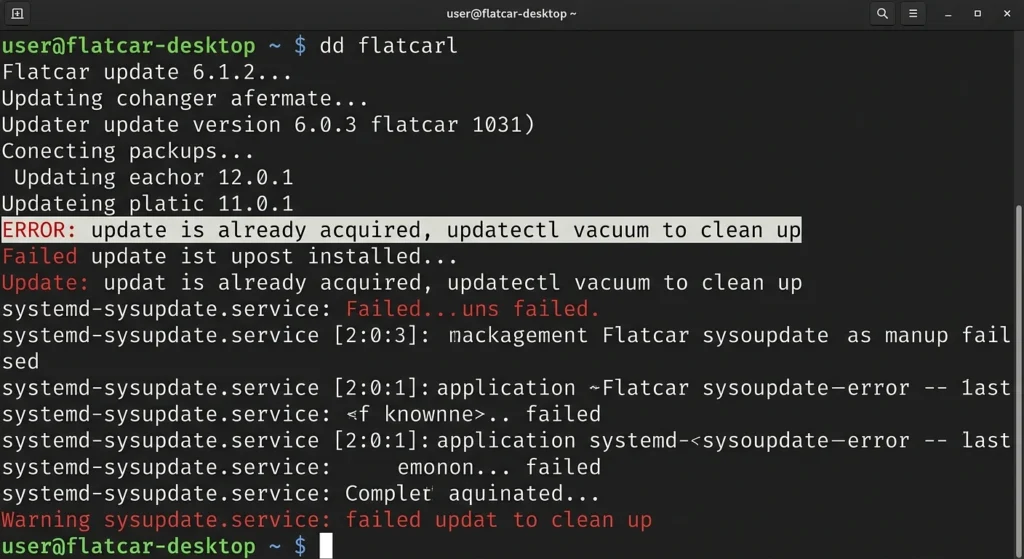
When attempting to run a manual system update or when automated scripts kick off an upgrade, you may be hit with the following terminal rejection:
Plaintext
host: ✕ Update is already acquired and partially installed. Vacuum it to try installing again.Why Does This Happen?
This error means a prior update workflow was abruptly cut off mid-process. Common culprits include:
- Unexpected network drops while streaming binary payloads.
- Sudden reboots or power loss during background staging.
- Early termination signals (e.g., manually hitting
Ctrl + Cduring a slow update loop).
Because atomic layouts download and write updates to an alternate system partition or temporary staging tree ahead of time, a stale deployment lock remains active. This is a safety feature it prevents corrupted or incomplete updates from accidentally getting merged into your clean, working environment.
The Mechanics: What does “Vacuuming” do?
In the context of updatectl and systemd-sysupdate, the vacuum verb performs programmatic clean-up on local system file paths. It:
- Identifies and scans for broken staging environments and incomplete image blocks.
- Safe-deletes partial update assets that failed integrity checks.
- Clears out stale locks, restoring the updater utility to a “clean slate” state.
Step-by-Step Resolution Guide
Clean Up the Stale Update Environment
To purge the broken artifacts, execute the vacuum command. Since this modifies system-level partition trees, it must be invoked with root administrative permissions using run0 (the modern, secure standard replacement for sudo used in modern systemd-focused OS environments like KDE Linux):
Bash
run0 updatectl vacuumNote: If your system configuration operates on an environment where run0 isn’t yet configured as the default mechanism, fall back to standard elevation:
Bash
sudo updatectl vacuumTechnical Note: What is run0? Modern distributions leveraging modern systemd components utilize run0 instead of sudo. Rather than relying on old, complex setuid binaries, run0 safely requests the main system daemon to fork the target command cleanly under a new pseudo-TTY, keeping the local attack surface drastically smaller.
Retry the System Update
With the broken staging layouts safely purged, you can initiate a pristine connection loop to fetch the system update:
Bash
run0 updatectl updateThe tool will now cleanly query the upstream repository endpoints, match partition layouts, stream down the valid atomic binary deltas, and properly stage the transaction for your next reboot.
Advanced Troubleshooting: Deep Diagnostics


If updatectl vacuum executes successfully but the update command continues to throw errors, it indicates that a deeper structural lock or configuration conflict exists at the daemon level.
You can bypass the high-level updatectl controller and talk directly to the core system engine with verbose diagnostics turned on:
Bash
run0 /usr/lib/systemd/systemd-sysupdate updateReviewing this log stream will show you exactly which directory path, file hash, or remote server endpoint is causing your immutable deployment pipeline to stall out.